Enhance & restore
Local GPU enhancement with faithful restoration, optional creative detail, and blur reduction. Compare your original with the processed result before saving.
IMAGE & PDF WORKSPACE FOR WINDOWS
Enhance photos, make wallpapers, and work with images and PDFs. Your files stay on your PC.
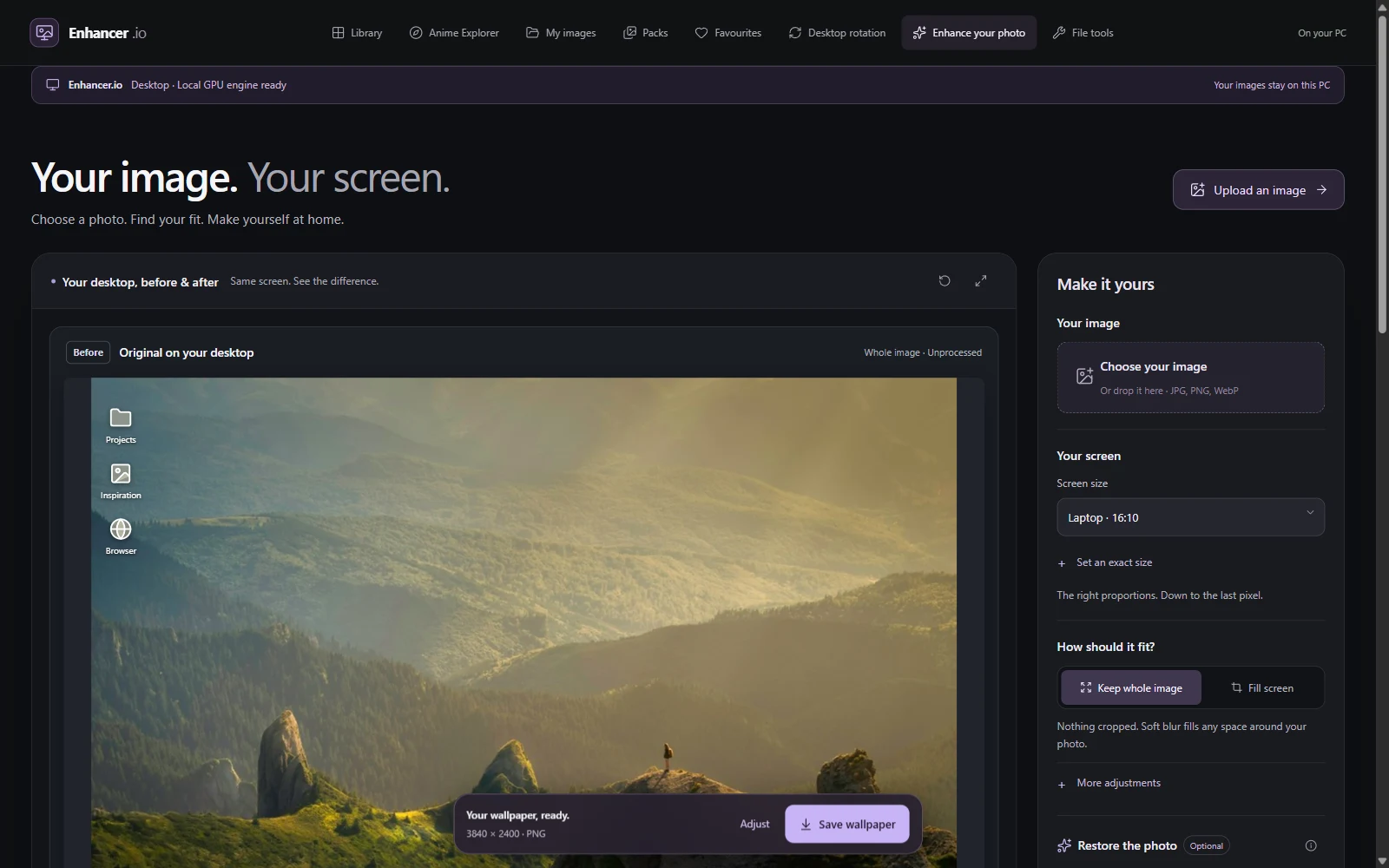
The project started with a frustrating wallpaper problem: a portrait image either left empty stripes on a wide screen or lost important content to a crop. The workflow needed to show those choices clearly and help people improve an image without losing control of it.
From there, I built a Windows app with local enhancement, original-versus-result previews, desktop composition, a curated image library and tools for the smaller file tasks people do every day.
// ONE CONNECTED WORKSPACE
Enhancement is the starting point. Composition, conversion and document tools make the result easier to use.
Local GPU enhancement with faithful restoration, optional creative detail, and blur reduction. Compare your original with the processed result before saving.
Keep the whole photo or choose a deliberate crop. Match your screen, preview the desktop, and export at your selected dimensions with padding when needed.
Bring up to 32 images into one document. Arrange pages, choose size, orientation and margins, then name the PDF before downloading.
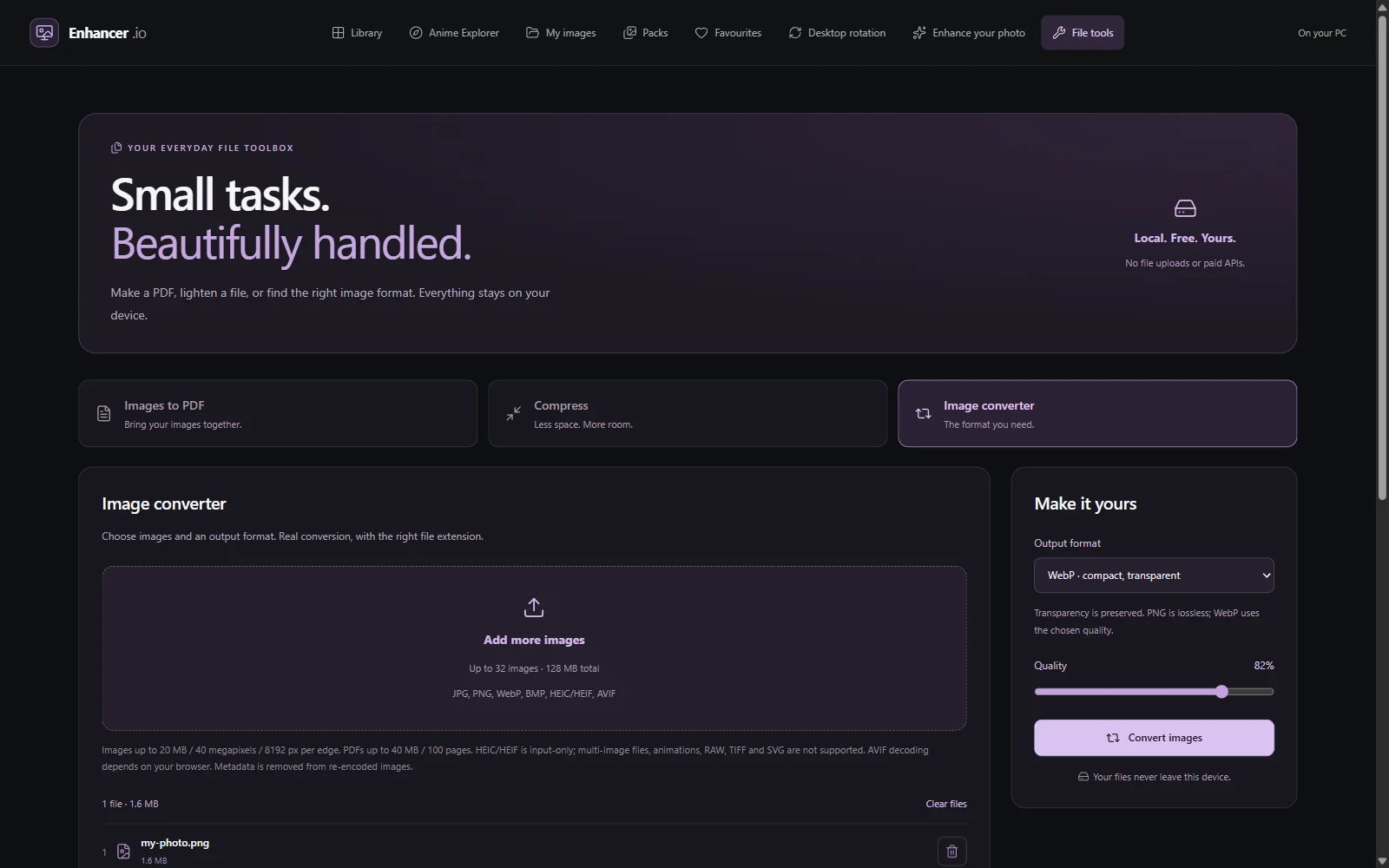
Reduce image or PDF size with measured savings, or convert HEIC and common image formats to JPG, PNG, WebP or BMP. All processing stays on the device.
The After preview stays empty until processing finishes. Original and processed desktop previews are stacked so the user can judge the change.
The interface reports processing stages, supports cancellation and preserves the original when a job fails. Compression keeps the original when a candidate is larger.
Source resolution and upscaled dimensions are labelled separately. Exporting more pixels does not promise recovered detail, and library items retain their source and usage information.
Electron brings the web interface to Windows. Native inference powers GPU enhancement; browser workers handle image conversion and document tasks. Files are processed locally, with bounded jobs, cleanup and cancellation.
PDF compression offers a structure-preserving path and an explicit image-only option. HEIC is supported as an input format. The app explains the trade-offs before changing a file rather than hiding them behind a single button.
Format and file-size limits apply. Enhancement quality depends on the source image; missing detail cannot always be recovered.
INSTALL ENHANCER.IO
Download the installer, open it from your Downloads folder, and follow the setup steps. Then launch Enhancer.io from the Start menu.
Requires Windows 10 or 11 on a 64-bit Intel or AMD PC. Native GPU enhancement requires a Vulkan-compatible GPU and an up-to-date graphics driver.
The v0.6.0 installer is unsigned. Windows may show an unknown publisher warning.
9d965543b29e8ba4da8d6c66de6b72fd62da3ed75f370e7b717a4477af0f3eae// BUILT, TESTED, STILL EVOLVING
My next focus is expanding useful image collections and refining everyday editing workflows around real feedback.